E-commerce has moved beyond the experimental stage of Virtual Try-On (VTO). The technology is now mature, scalable, and increasingly accessible. Yet many implementations still fail to deliver the expected results. In most cases, the problem is not the technology itself, but recurring operational and strategic mistakes. Successful adoption requires treating VTO not as a novelty, but as a core part of the sales infrastructure.
Below is a practical implementation strategy designed to avoid the most common pitfalls and generate a measurable increase in conversion.
1. Build a Strong Visual Foundation
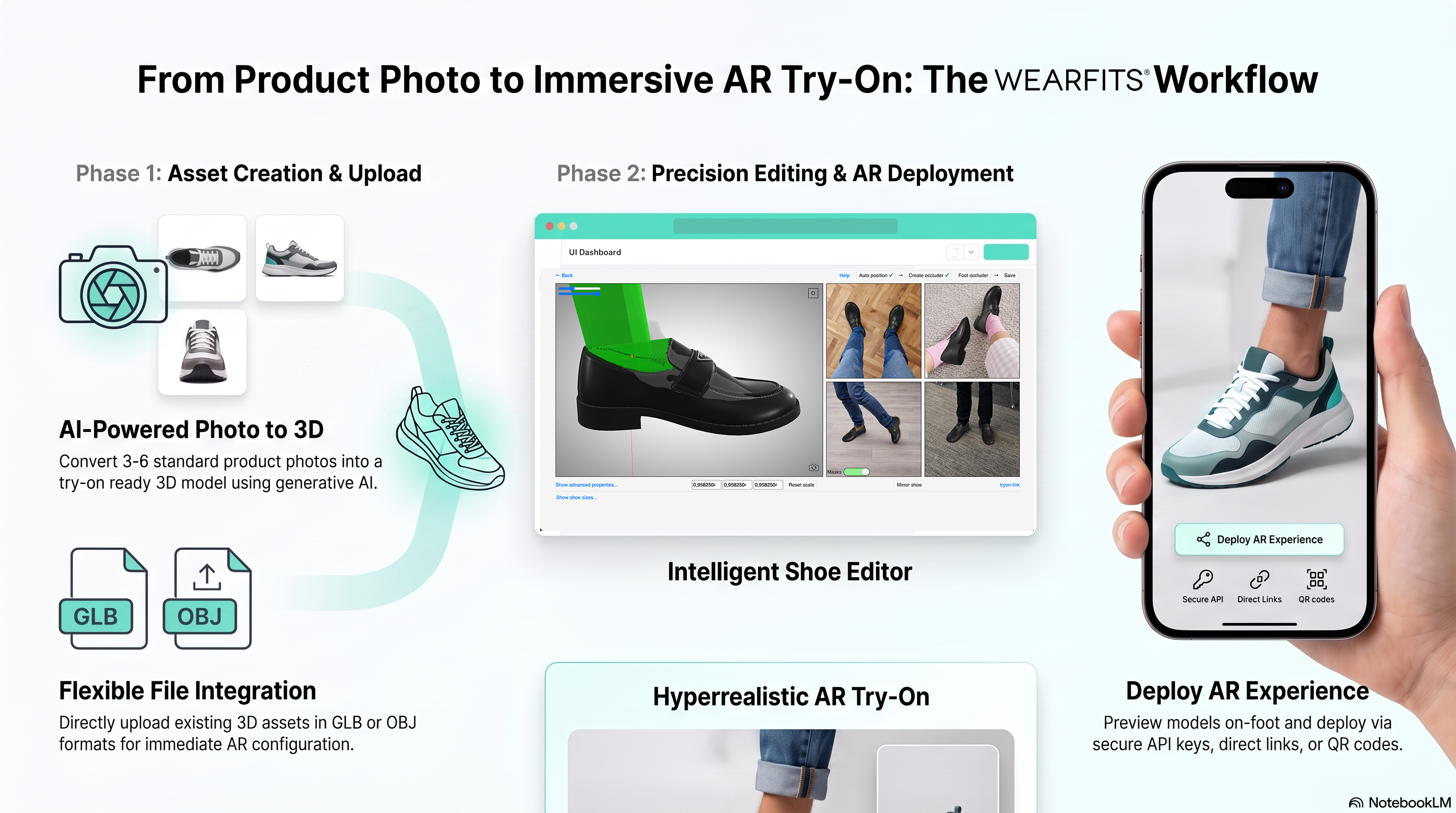
The performance of modern generative AI solutions depends heavily on the quality of product data. Although GenAI is significantly cheaper than traditional 3D modelling, which may cost between USD 150 and USD 1,200 per product, it still requires strict image standards. Product photography should use consistent lighting, uniform backgrounds, and a resolution of at least 1,500 pixels on the longest edge. For shoes and handbags, four to six images taken from identical angles should be the standard for every model.
A catalogue audit, followed by a corrective photo shoot for best-selling products, is often one of the highest-return investments in the entire project. In many cases, it can pay for itself within the first quarter after launch.
2. Optimise Mobile Performance
More than 60% of users access AR features on mobile devices, making loading speed a critical success factor. A solution that takes eight seconds to open on an average Android phone is effectively unusable, because many customers will leave before the engine starts.
The “Try On” button should appear almost instantly and should not negatively affect PageSpeed scores. The best approach is lazy loading: heavy assets are downloaded only after the user clicks the button, rather than during the initial product-page render. This protects page performance while keeping the experience responsive.
3. Reduce Psychological and UX Barriers
Even a technically flawless fitting room will fail if users are uncomfortable sharing their image. Concerns about privacy and biometric data are legitimate, so onboarding must be short, transparent, and easy to understand. Two or three simple sentences should explain whether uploaded images are stored, processed temporarily, or deleted after the session.
Messages that reduce perceived effort also improve engagement. A phrase such as “Any well-lit photo will work” makes the feature feel more accessible. The strongest solutions work directly in the mobile browser. Requiring an app download can eliminate more than 80% of potential interactions before the experience even begins.
4. Treat VTO as a Core Product-Page Feature
One of the most common mistakes is hiding the fitting-room button deep in the product description or below several screen scrolls. When the feature is difficult to notice, adoption often remains between 15% and 25%.
Placing the “Try On” button above the fold, close to the size selector, can increase engagement to 45–60%. Customers who use VTO may add products to their cart 52% more often and convert 35% more effectively than other visitors. The button should use a clearly visible accent colour and provide a touch target of at least 44 pixels.
5. Start with High-Friction Categories
Launching VTO across the entire catalogue at once can spread engineering resources too thin and make performance analysis difficult. A better approach is to begin with the categories that generate the highest return rates and the greatest uncertainty around fit.
Denim, with return rates above 51%, and dresses, at approximately 48%, are strong starting points. In these categories, VTO can reduce returns by 30–40%. The recommended pilot should cover 50–100 high-problem products and run for 60–90 days before the solution is expanded further.
6. Use VTO Data as a Marketing Signal
Virtual fitting rooms generate valuable behavioural data that is often left isolated in separate analytics dashboards. Information about which products customers tried on, which sizes they compared, and where they spent the most time should flow directly into the marketing stack.
Retargeting audiences based on VTO interactions can achieve up to twice the return on ad spend in social media campaigns. These users have already demonstrated strong purchase intent and may only need a timely reminder of the product they explored.
7. Measure Success Holistically
Evaluating VTO only through short-term conversion is misleading. A reliable assessment should cover at least 90 days and include a broader set of indicators:
Revenue per visitor: Some implementations report increases of more than 15%.
Engagement depth: The number of products tried on during a single session.
Customer support volume: Fewer questions related to sizing and fit.
Repeat purchase rate: A comparison between VTO users and a control group.
Diagnostic Recommendation
When a VTO implementation underperforms, the first step should be to check whether the button is visible on Android devices without scrolling. If the experience takes more than four seconds to load, assets should be optimised or the technology provider reconsidered.
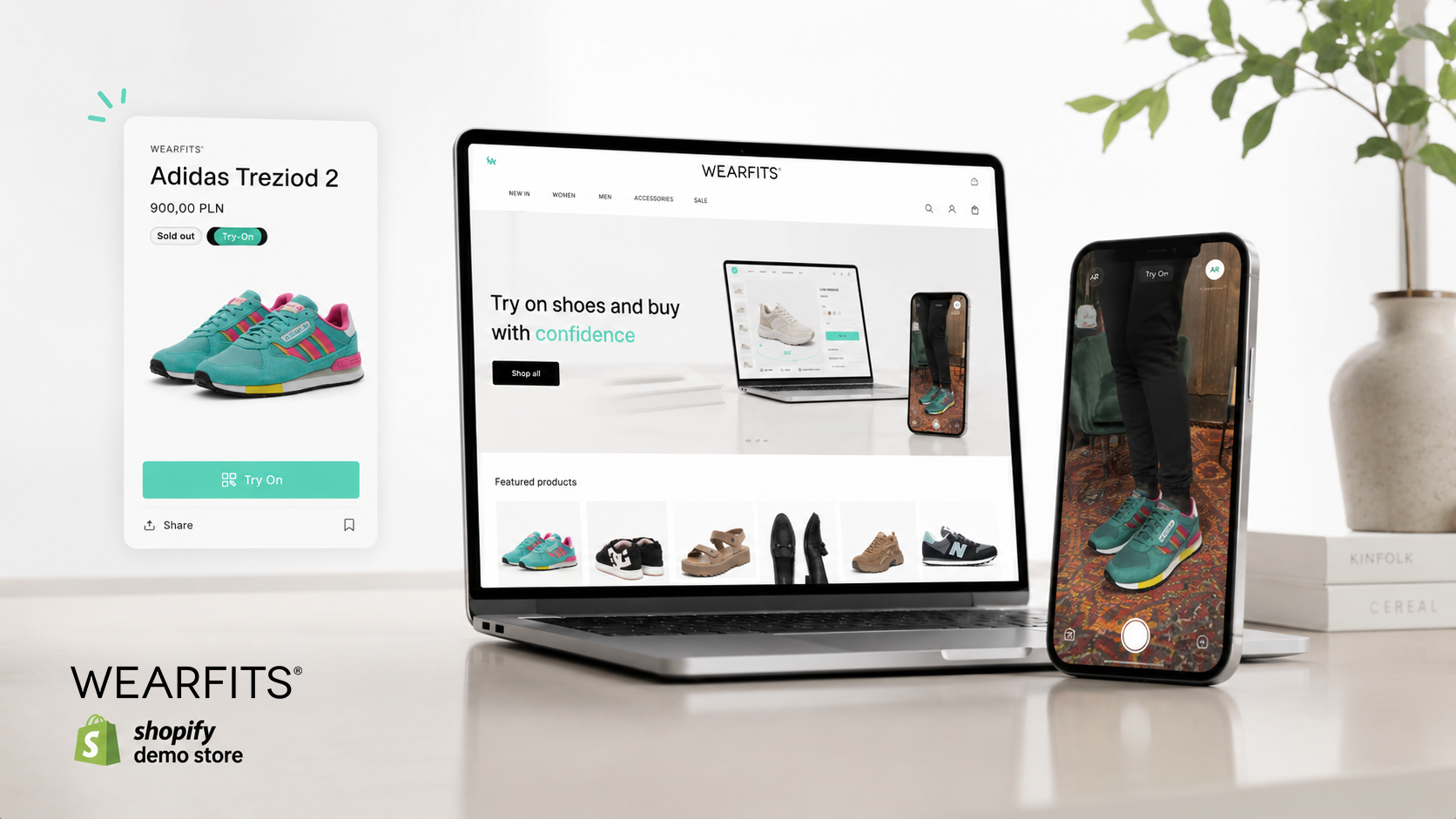
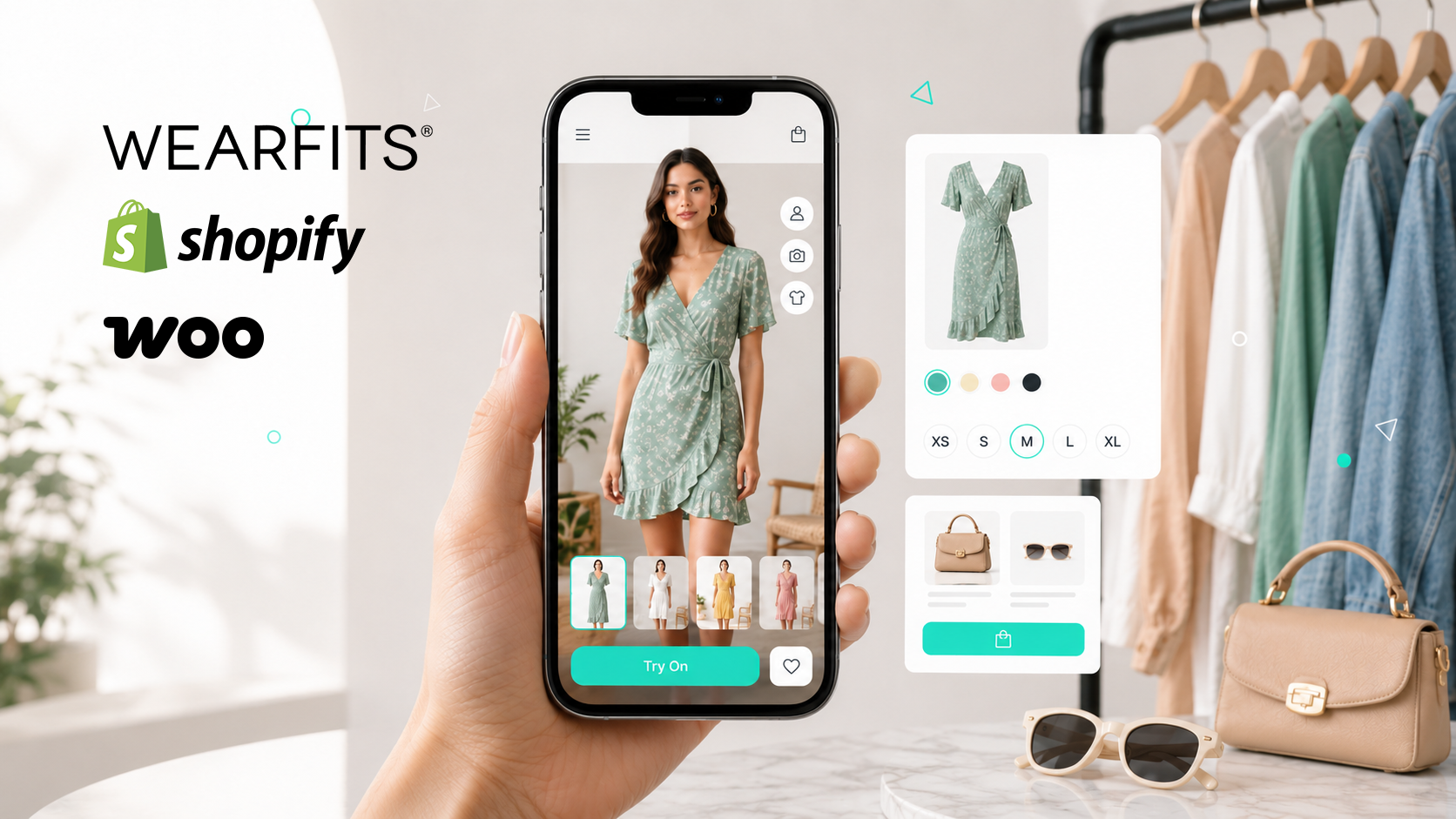
Most conversion problems can be solved by correcting only two or three of the issues above, without changing the imaging technology itself. Platforms such as WEARFITS provide ready-made integrations, including Shopify plugins, that automate button placement and connect fitting-room activity with marketing data. This reduces implementation errors from the beginning and helps transform VTO from an attractive feature into a measurable source of revenue.